DataGalaxy Portfolio provides a Server-Sent Events (SSE) channel that enables external systems to listen to real-time events occurring within the platform.
This channel can be consumed using a valid integration token.
Connecting to the SSE Channel
The SSE stream can be accessed using a standard HTTP client such as curl:
curl.exe -v -H "Authorization: Bearer {integrationToken}"
-X GET https://{tenant}.yooi.io/api/store/events/object
Replace:
-
{integrationToken}with a valid integration token -
{tenant}with the DataGalaxy Portfolio tenant name
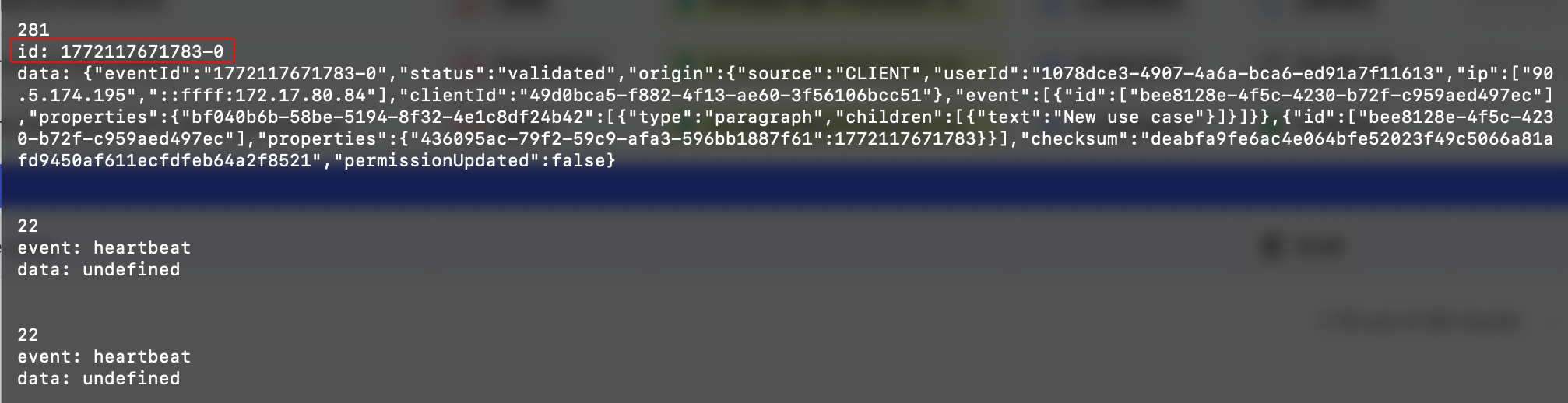
The HTTP connection remains open and continuously streams events as they occur.
Authentication & Permissions
Access to the SSE channel requires a valid integration token.
Permission Model
If the token does not have view rights on a given concept, the event will still be received, but its detailed content will not be visible.
It is therefore important to ensure that the integration token has the appropriate permissions for the concepts that need to be monitored.
Event Structure
Each event type has its own structure.
For specific listening requirements or clarification regarding event formats, contact DataGalaxy Portfolio Support.
Event ID & Explorer
Each SSE message includes an event ID.
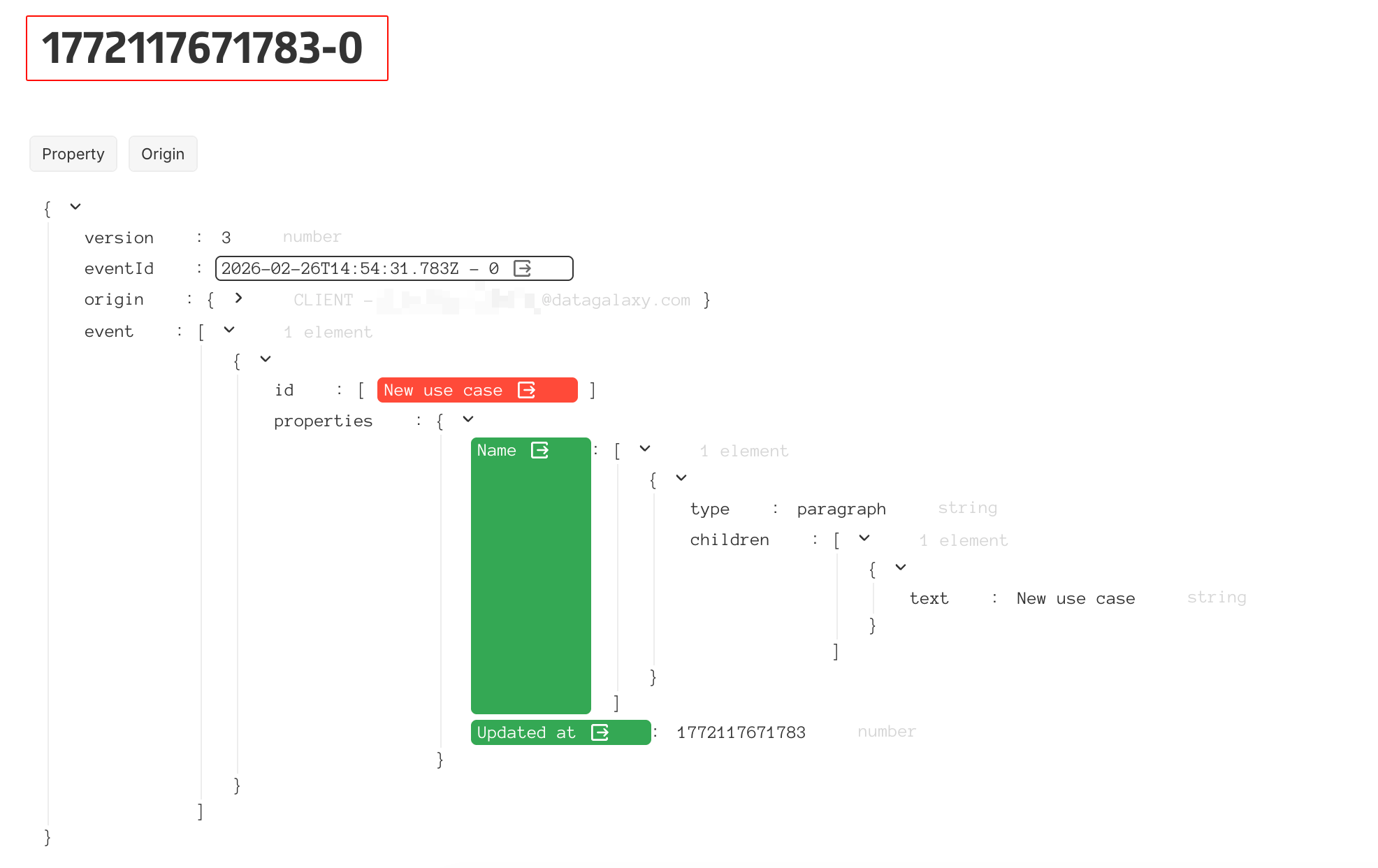
This event ID can be searched in the DataGalaxy Explorer, which allows simple identification of associated object IDs.