
Roles can be displayed in a table like any other field.
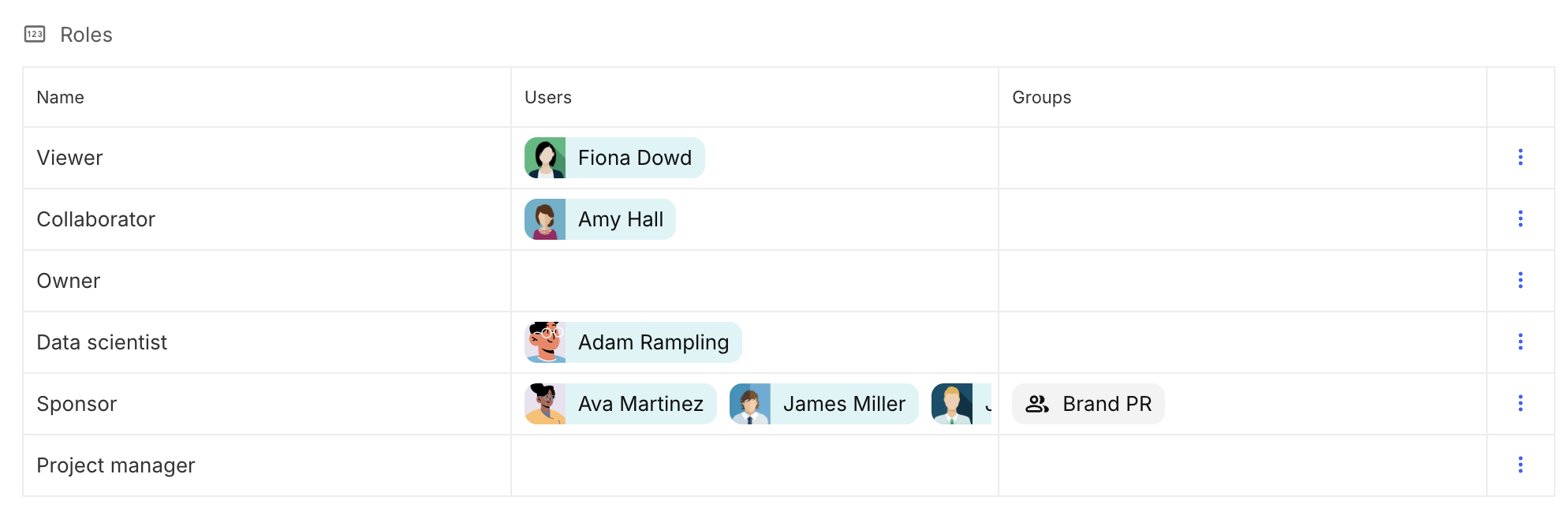
Configure a table using the roles field as the source. Then, add the desired columns by following the appropriate path.
For example, to display the users and groups assigned to each role, use the following paths:
-
Users: Use Case → Use case(Layout Dimension) → Roles → Role (View Dimension) → Users
-
Groups: Use Case → Use case(Layout Dimension) → Roles → Role (View Dimension) → Groups